A prototype does not need a new virtual machine, a new TLS certificate, or a hand-edited reverse-proxy file. On this host, a web app gets a name under go.2bit.pro, a container that listens on port 8080, and a loopback port that only Nginx can reach. The public page at http://go.2bit.pro/ is the guide for that platform. www.go.2bit.pro serves the same page. HTTPS on that name was not accepting connections when this was checked, so the working URL is HTTP.
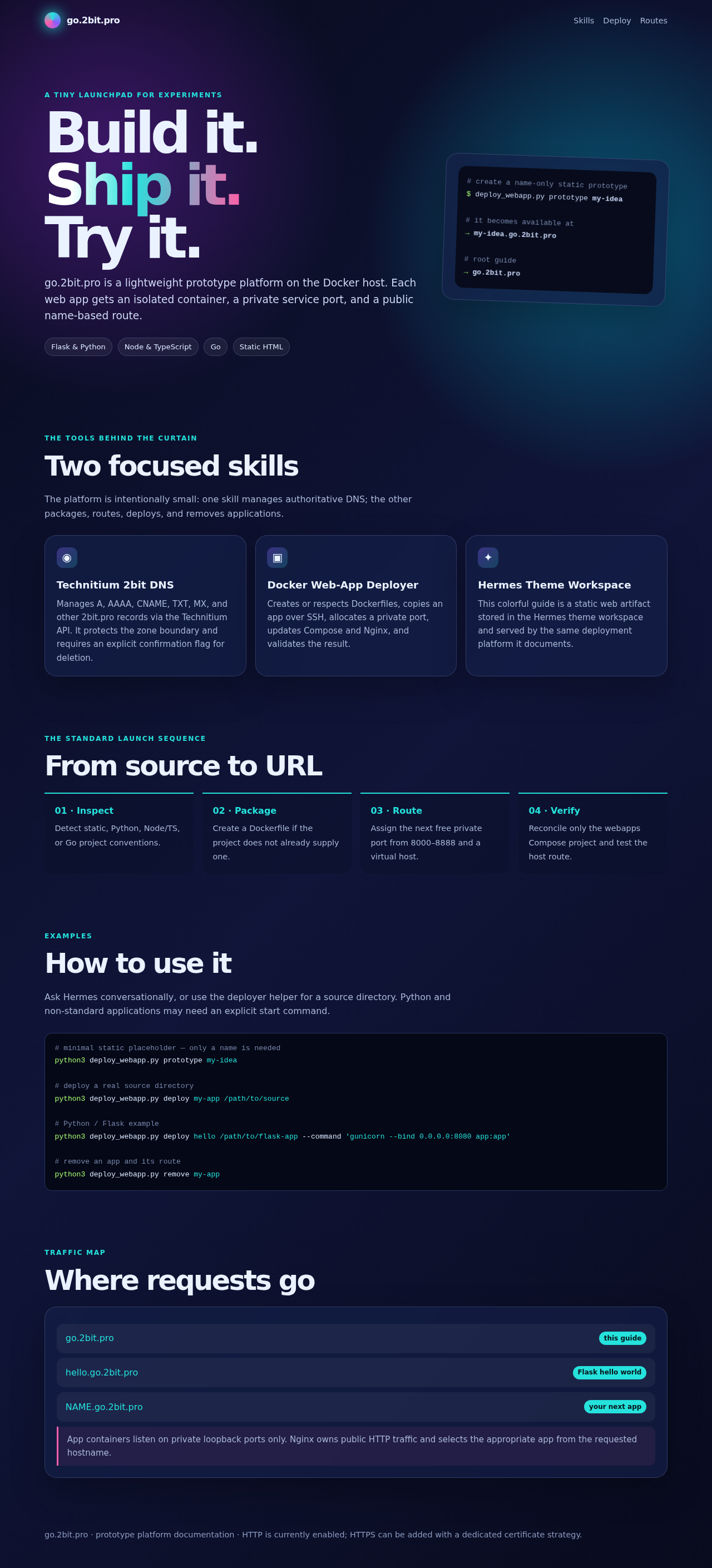
Hermes does not deploy these apps through a special core tool. It loads the docker-webapp-deployer skill, then runs scripts/deploy_webapp.py. The skill is the policy. The script is the change. That split is what makes a one-line request (“put this directory on go.2bit.pro”) turn into a repeatable host change instead of an improvised SSH session.
What a request actually hits
Nginx is the only process published on port 80. It runs in the /opt/webapps Compose project with network_mode: host, and it reads virtual-host files from ./nginx/conf.d. An unknown hostname hits a default server that returns 404. A known hostname is proxied to <loopback> on the port assigned to that app.
The app container is not on the public interface. Compose publishes it as <loopback>:<assigned-port>:8080. Inside the container the process listens on 8080. From outside the host, ports 8000 through 8888 are not the way in. A check of the live host showed port 80 listening on all interfaces and the assigned app ports listening only on loopback.
A request for http://scaffold-todo.go.2bit.pro/ therefore does three hops:
- DNS for
*.go.2bit.prolands on the Docker host. Nginxserver_namedoes not create that record. The wildcard has to exist before the route is useful. - Nginx matches
scaffold-todo.go.2bit.proand proxies to the loopback port stored for that app. - The container answers on 8080. The checked response was HTTP 200 and the Tasks page.
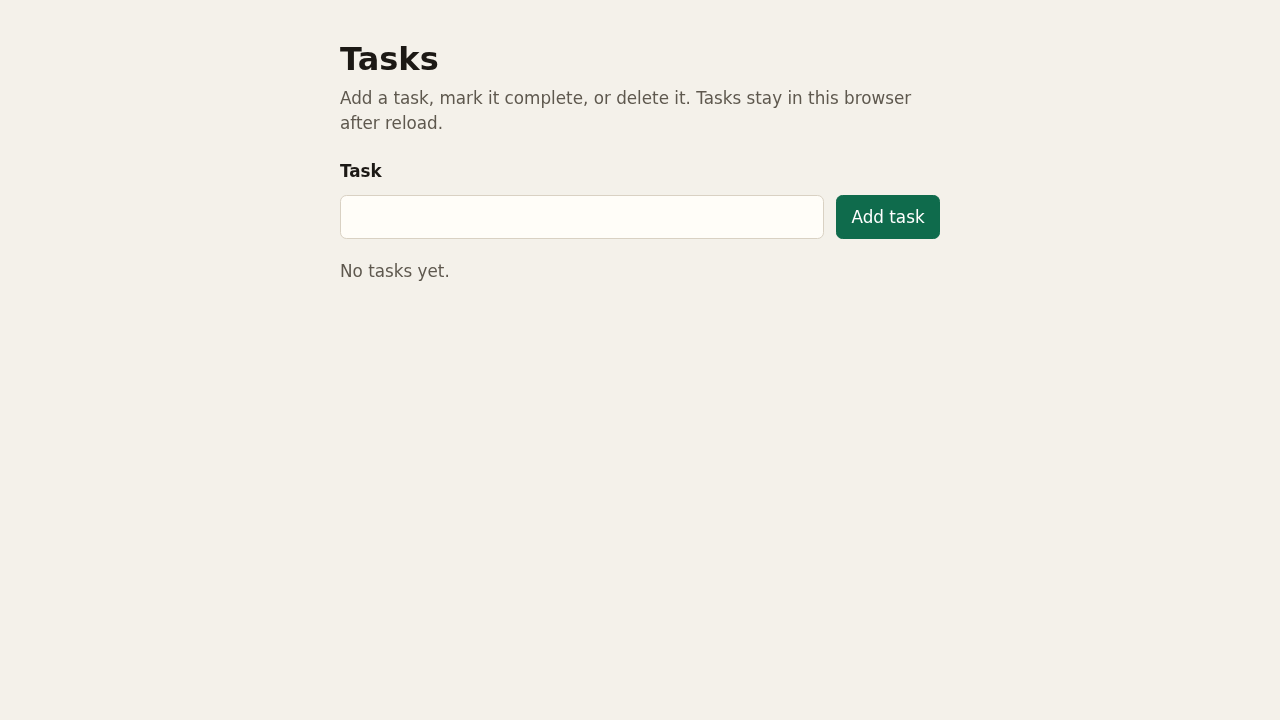
That page was produced by the same deployer, not by editing Nginx by hand. The public guide names the same pattern: NAME.go.2bit.pro is the next app, and the app containers stay on private ports.
The Compose file the skill writes
The script does not append a service to a hand-maintained file. It rebuilds compose.yaml from state/apps.json. The generator is short. Nginx is fixed. Each app is one more service:
services:
  nginx:
    image: nginx:1.27-alpine
    restart: unless-stopped
    network_mode: host
    volumes:
      - ./nginx/conf.d:/etc/nginx/conf.d:ro
  scaffold-todo:
    build: ./apps/scaffold-todo
    restart: unless-stopped
    environment:
      PORT: '8080'
    ports:
      - '<loopback>:<assigned-port>:8080'
The live file matched that shape: nginx:1.27-alpine, host networking, a read-only mount of conf.d, and each app built from ./apps/<name> with PORT set to 8080. The assigned port is the lowest free port from 8000 through 8888. “Free” means absent from apps.json and absent from a current ss listing. State alone is not enough. A process already bound to a port in that range must not be given that port because the JSON file forgot it.
The matching Nginx file is also generated. The default server is explicit:
server {
  listen 80 default_server;
  server_name _;
  return 404;
}
Each app gets one file. The important lines are the hostname and the loopback upstream:
server {
  listen 80;
  server_name scaffold-todo.go.2bit.pro;
  location / {
    proxy_pass http://<loopback>:<assigned-port>;
    proxy_set_header Host $host;
    proxy_set_header X-Forwarded-Proto $scheme;
  }
}
An extra --alias adds another name to that server_name line. It does not allocate a second port or a second container.
The script writes these files to a staging directory, copies them over SSH, and only then moves them into /opt/webapps. Compose is validated with docker compose -f /opt/webapps/compose.yaml config -q before up. After the containers reconcile, the script runs nginx -t and reloads Nginx. The success check is not “the command exited.” It is an HTTP status from curl -H 'Host: <hostname>' http://<loopback>/ on the Docker host, which is the same path a public request takes after DNS.
What the skill tells Hermes to do
The skill file is docker-webapp-deployer. Its description is the trigger: deploying a prototype web app to this host. When that matches, Hermes loads the skill before it invents an SSH sequence. The instructions are narrower than “you have a shell”:
- Touch only
/opt/webapps. Other Compose projects on the same machine are out of scope. - Always pass
-f /opt/webapps/compose.yaml. A baredocker compose downcan select the wrong project. - Do not use
downfor a routine publish.up -d --build --remove-orphansreconciles this file. - Bind app ports to
<loopback>, never<all-interfaces>. - Do not guess a start command, a database, or a secret from the directory name.
- Say the URL as
http://NAME.go.2bit.pro/as soon as the hostname is chosen. This platform is HTTP-only until a certificate strategy is added on purpose.
The executable half is scripts/deploy_webapp.py. Hermes runs it. It does not reimplement the port scan in chat. The commands a person can run, and the commands the agent is supposed to run, are the same:
python3 deploy_webapp.py prototype my-idea
python3 deploy_webapp.py deploy my-app /path/to/source \
  --hostname my-app.go.2bit.pro
python3 deploy_webapp.py remove my-app
prototype is only a placeholder. It writes a one-page index.html and deploys that. A name cannot imply a Flask app, a Node start script, or a Go module. For a real tree, deploy inspects the source.
Detection order is fixed. A root package.json is treated as Node. The generated image is node:22-alpine, dependencies are installed, and PORT is 8080. If package.json has no start script, the command stops unless you pass --command. A go.mod gets a two-stage build that produces /app/app. A Python project with requirements.txt, pyproject.toml, or a Pipfile needs an explicit command, because the file does not say whether you wanted Gunicorn, Uvicorn, or something else. A directory with index.html and none of those markers becomes nginx:1.27-alpine serving that tree on 8080. If a Dockerfile is already present, the script keeps it unless --force-dockerfile is set.
The copy step is a tar stream over SSH. It excludes .git, node_modules, virtualenvs, and __pycache__. The remote tree apps/<name>/ is replaced. The local source is not deleted on remove. Remove drops the app from apps.json, regenerates Compose and Nginx, reconciles /opt/webapps, checks that Nginx is still healthy, and then deletes the remote app directory.
A shared file means a shared rebuild
This is the operational surprise. compose.yaml is one file for every prototype. docker compose up -d --build on that file builds every service in it, not only the app you just added. Sibling containers in /opt/webapps are recreated. That is the cost of a generated project. It is not a license to rebuild unrelated Compose projects, and it is a reason not to put a long-running service in this file if a short recreate is unacceptable.
The other surprise is TLS. The guide footer says HTTP is enabled and HTTPS can be added later. A request to https://go.2bit.pro/ was refused. Do not tell a reader to use https://NAME.go.2bit.pro/ until a certificate listener exists. The verified form is http://NAME.go.2bit.pro/.
A third limit is the start command. The skill will not invent one. If the tree is a Python app and you do not pass --command, the script errors. That is better than deploying a container that exits because the agent guessed python app.py for a project that expects Gunicorn on 8080. The public guide shows the explicit form:
python3 deploy_webapp.py deploy hello /path/to/flask-app \
  --command 'gunicorn --bind <all-interfaces>:8080 app:app'
The bind address inside the container can be <all-interfaces>:8080. The host publish line remains <loopback>:<assigned-port>:8080. Those are different sockets. Mixing them up is how a prototype becomes reachable on a high port with no virtual host in front of it.
What was checked
The guide pages http://go.2bit.pro/ and http://www.go.2bit.pro/ both returned HTTP 200 and the same prototype documentation: inspect, package, route, verify. The live Compose project existed at /opt/webapps, Nginx was up, and the generated service shape matched the skill. http://scaffold-todo.go.2bit.pro/ returned HTTP 200 through the public name, which is the check that DNS, the virtual host, and the container agree.
That is the integration. Hermes loads a skill that forbids the dangerous shortcuts, then runs one script that owns the Compose file, the Nginx files, the port allocation, and the host-header test. You ask for a prototype. You get http://NAME.go.2bit.pro/, or you get a stopped command because the start command, the hostname, or the port was not something the script would guess.